Your Photography.
Enhanced by AI.
Still Yours.
Native Generative AI plugin for Capture One. Create detailed AI variants of your images up to 8K—without losing what makes them yours.
Available for Mac Windows coming soon
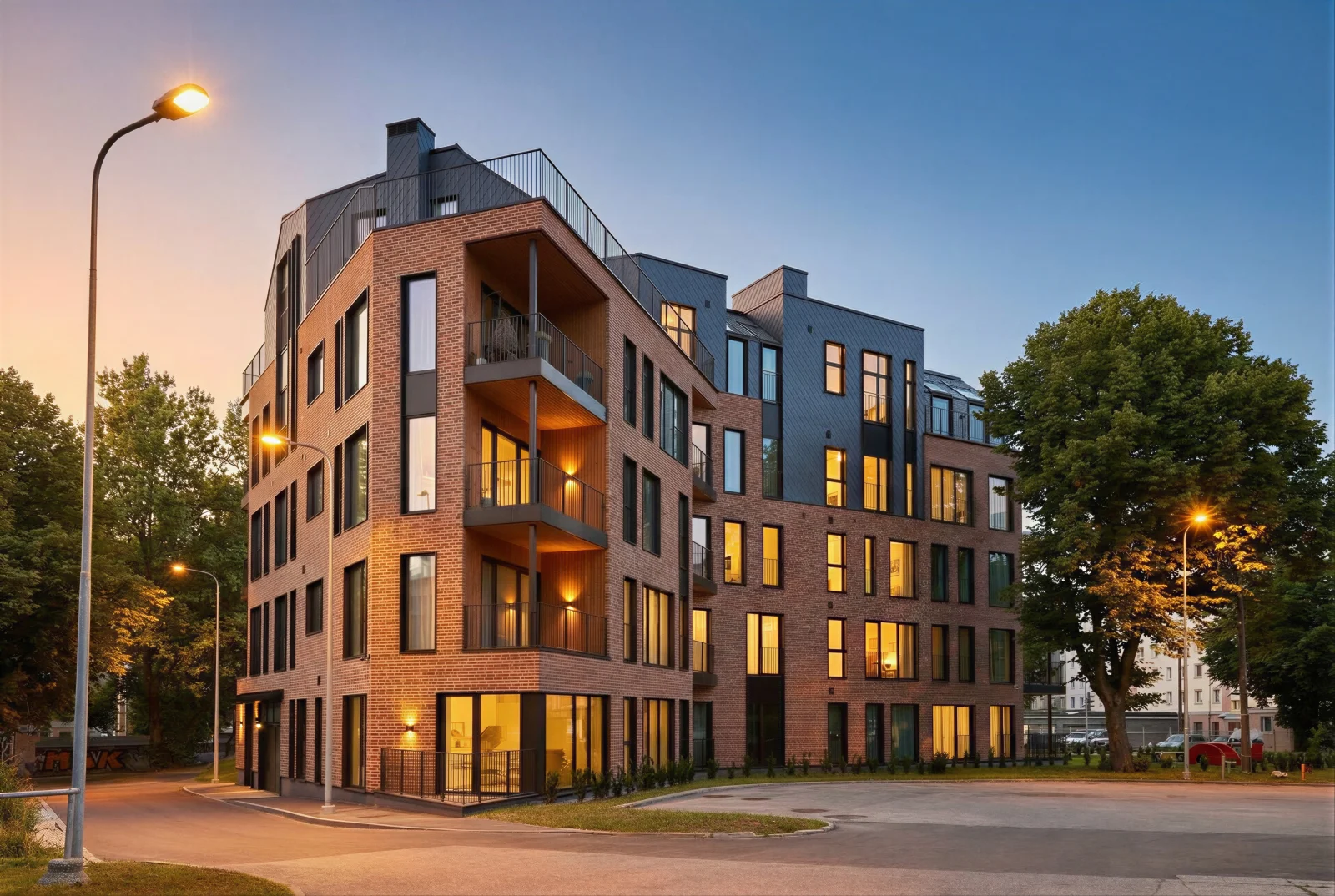
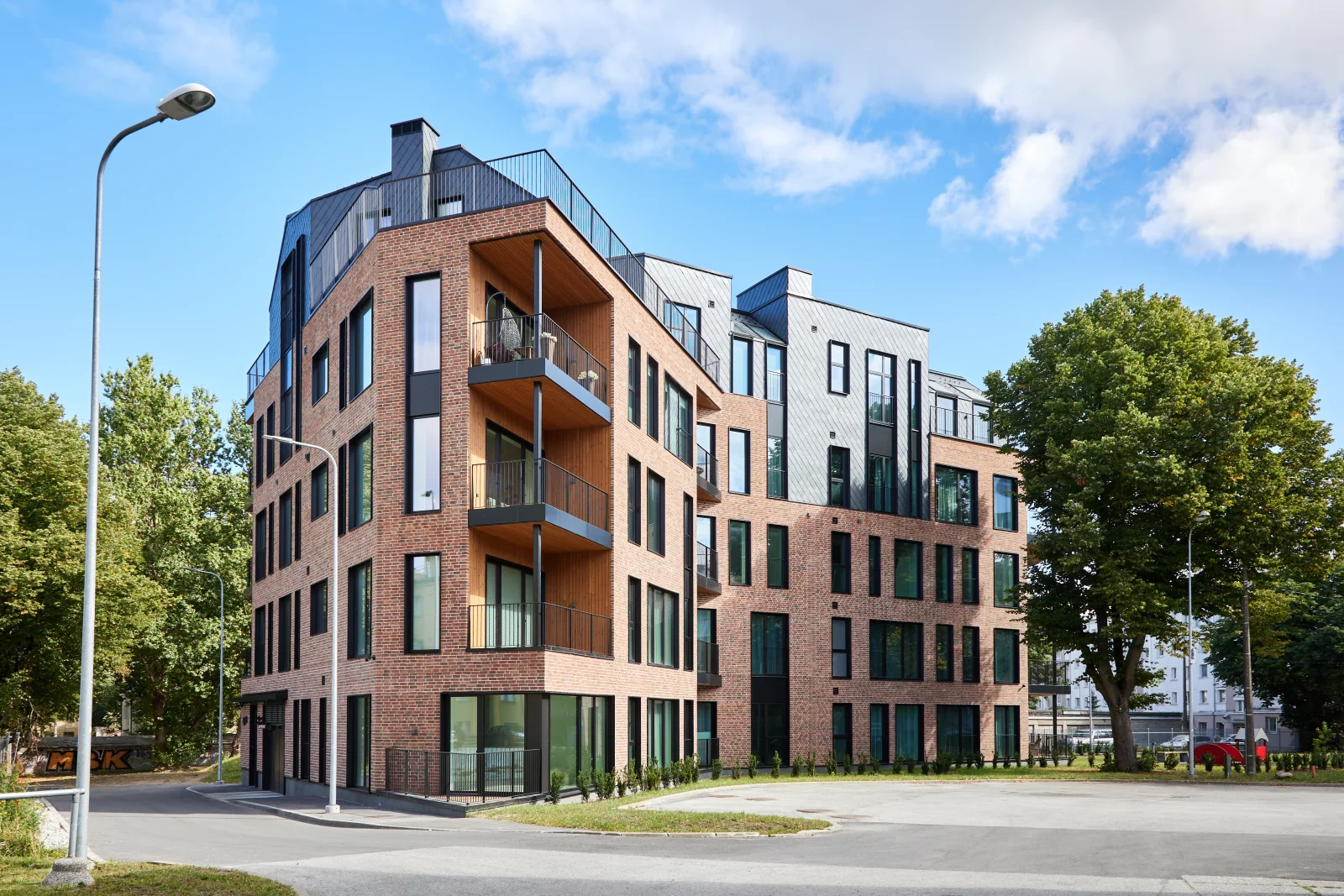
Relight: Transform any scene with AI-generated lighting
Relight Any Scene
Transform the mood of your image with AI-generated lighting. Golden hour, deep night, or lights on — the choice is yours. Every shadow and reflection redrawn to match.
Click any image to enlarge
Replace Any Object
Clothing, accessories, backgrounds — anything can be swapped, removed, or reimagined. The AI seamlessly integrates changes while preserving your subject.
Click any image to enlarge
Remove Anything.
Keep Everything Else.
Furniture, people, distractions — gone. The AI regenerates what's behind, keeping your image's character intact.
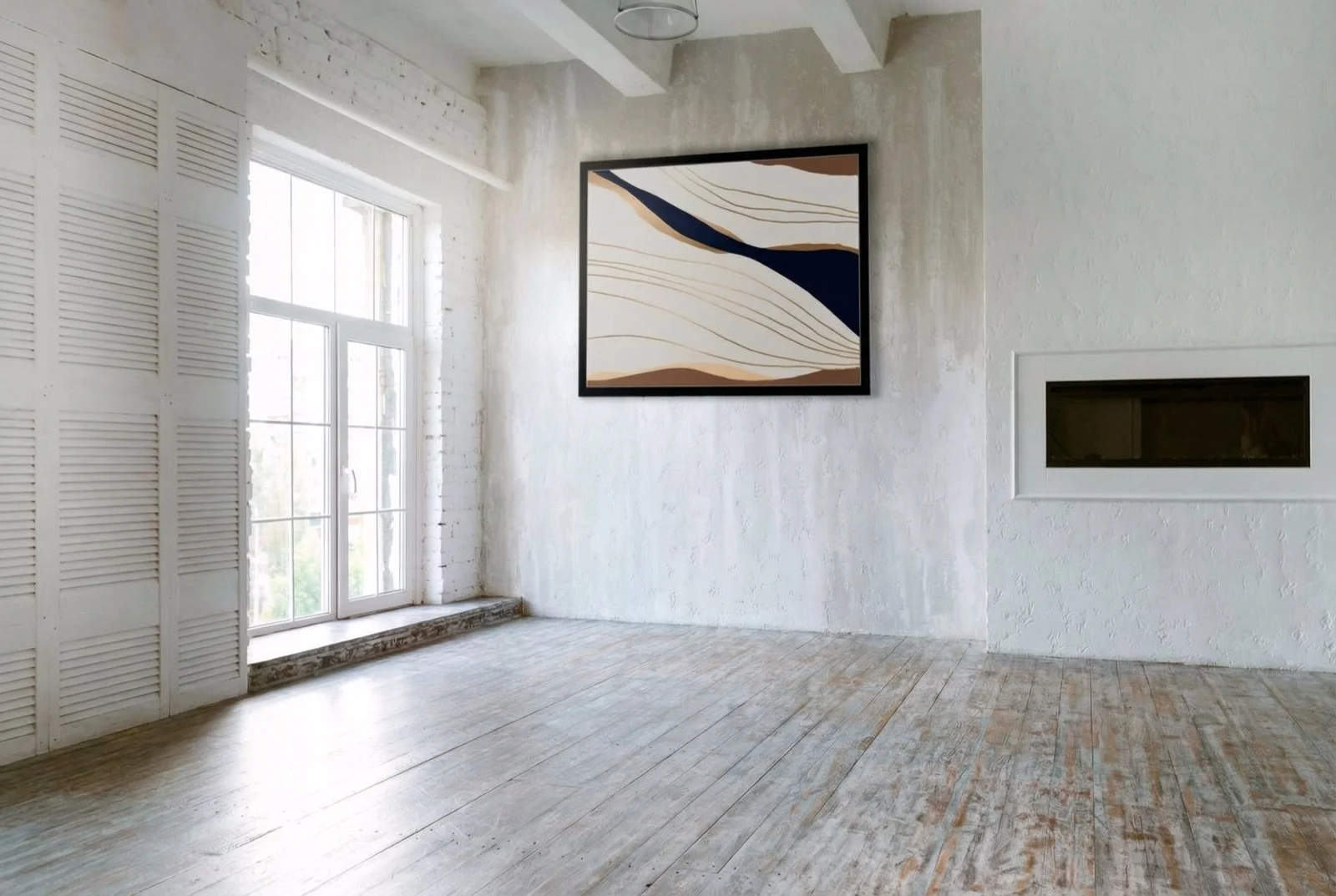
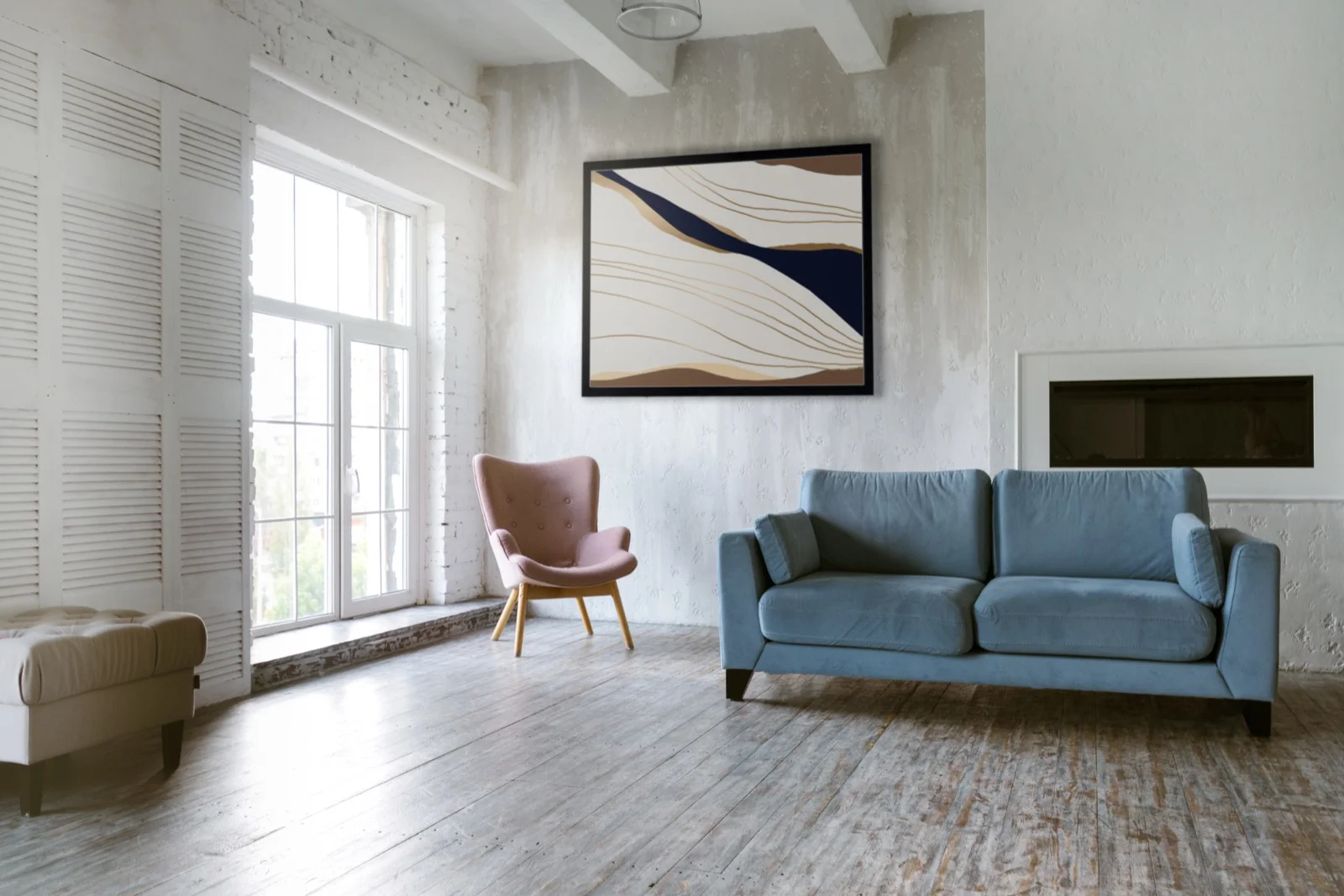
Studio to Location. Instantly.
Turn a studio portrait into an on-location masterpiece.
The AI places your subject in a new environment while preserving every detail.
Click any image to enlarge
Click any image to enlarge
New Angles. Same Shot.
Shift perspective without reshooting. Front, side, above — the AI reconstructs the scene from your chosen viewpoint.
Your Vision. Your Words.
Describe any transformation and watch the AI bring it to life. Change outfits, styles, or entire eras.
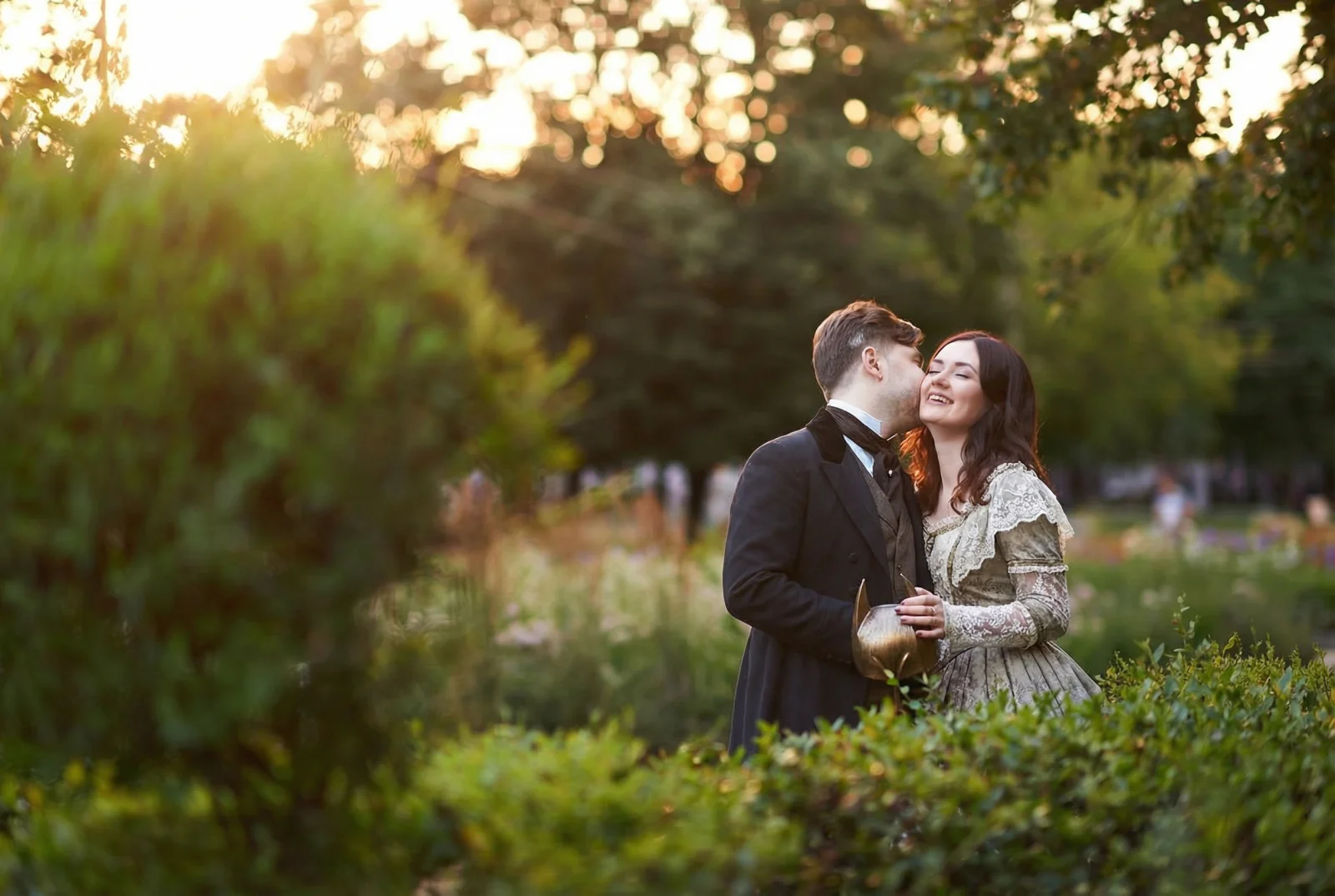
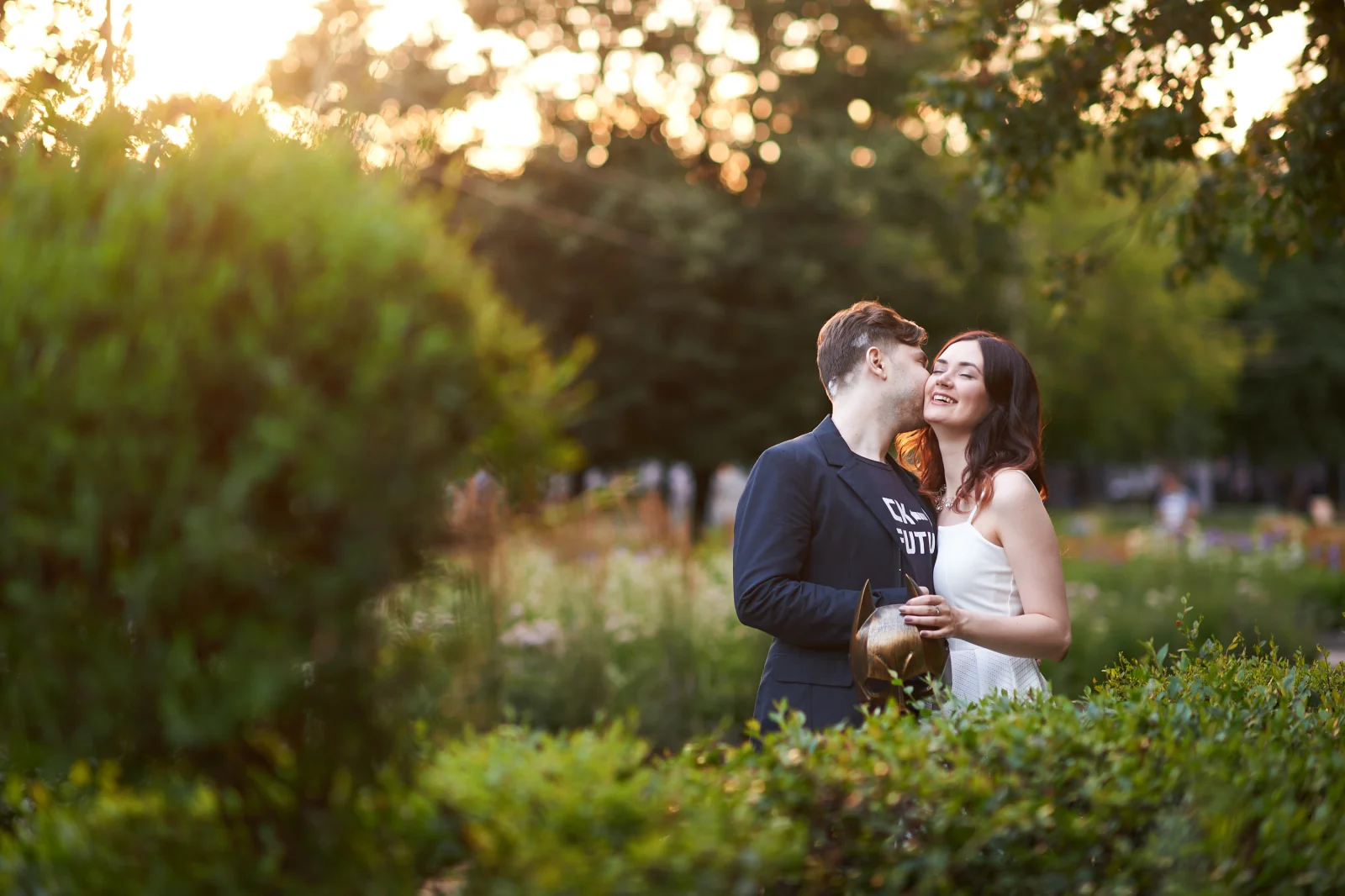
Details That Matter
Up to 36 Megapixels
Generate in 2K, 4K, or upscale to stunning 8K detail. Perfect for large prints and demanding clients.
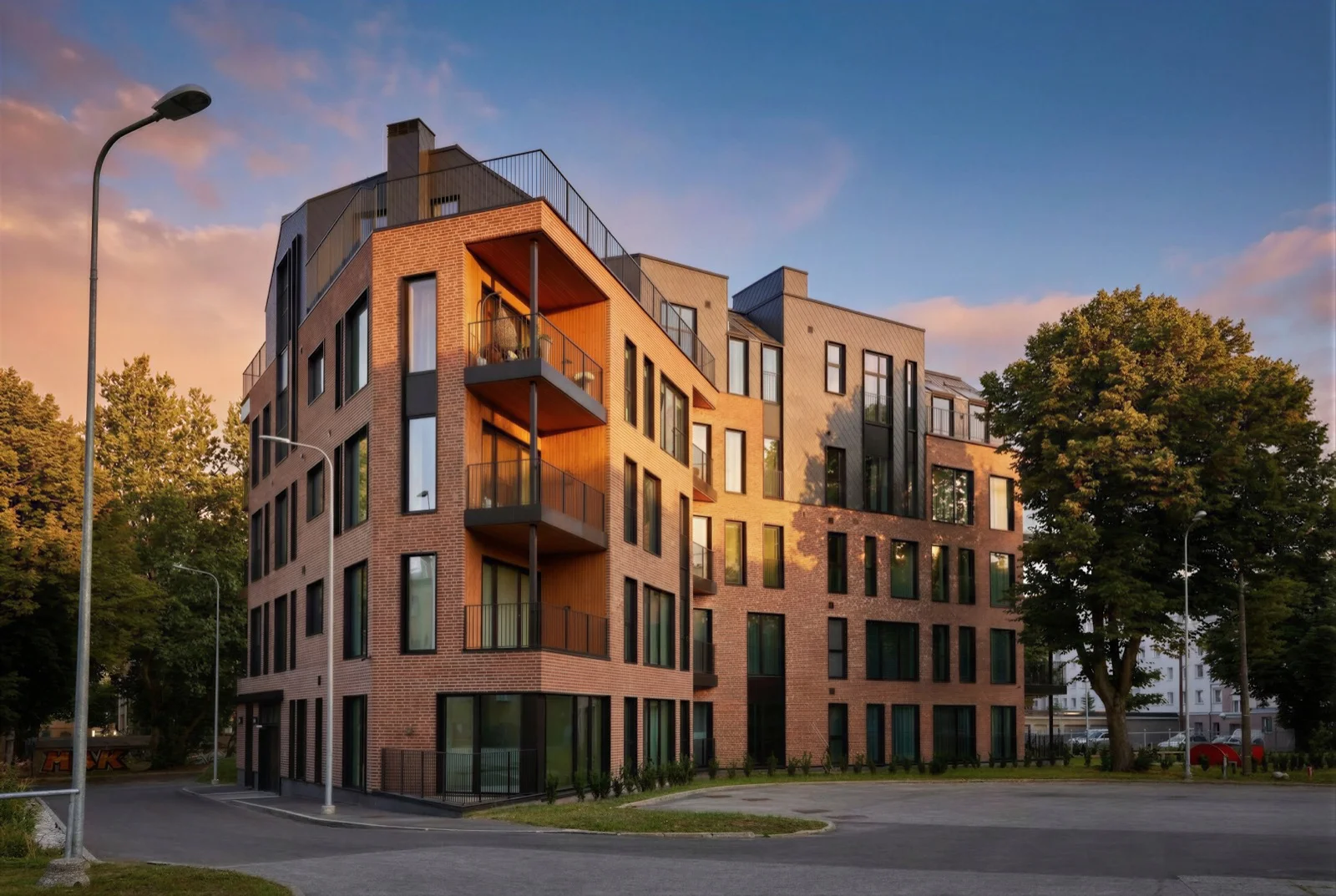
Click to view in full 8K resolution for best detail.
How It Works
Three simple steps inside Capture One
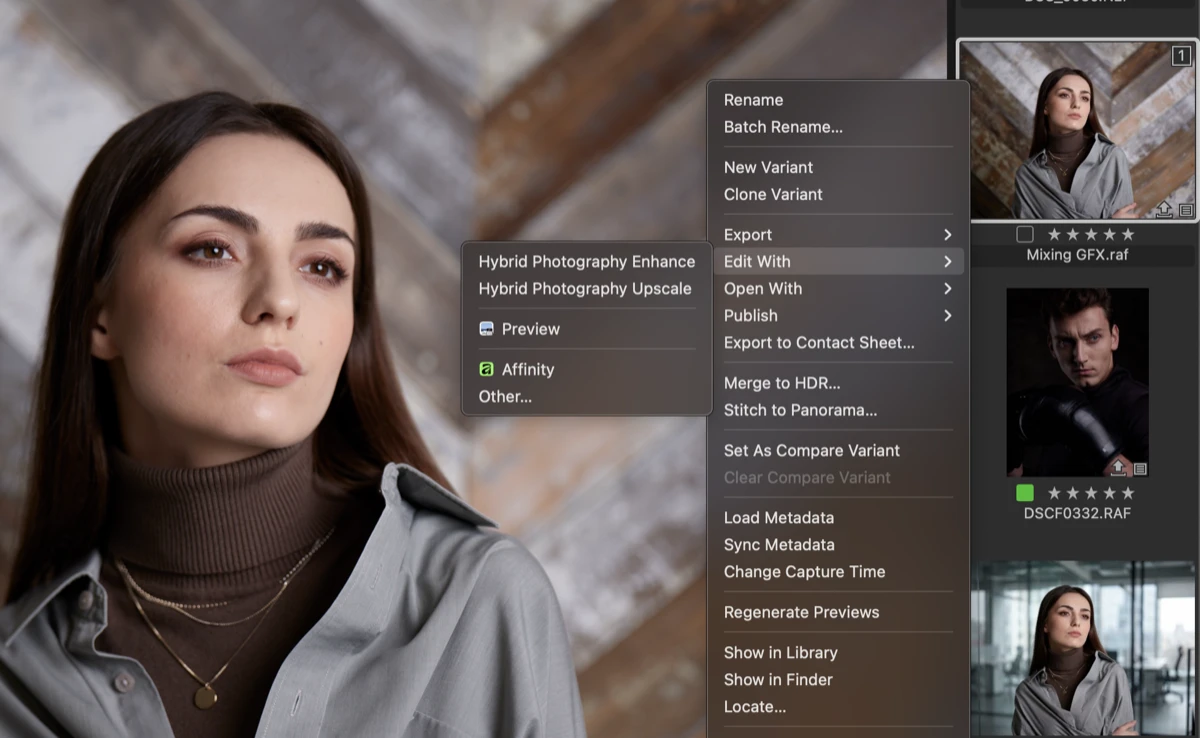
Select the Reference Image
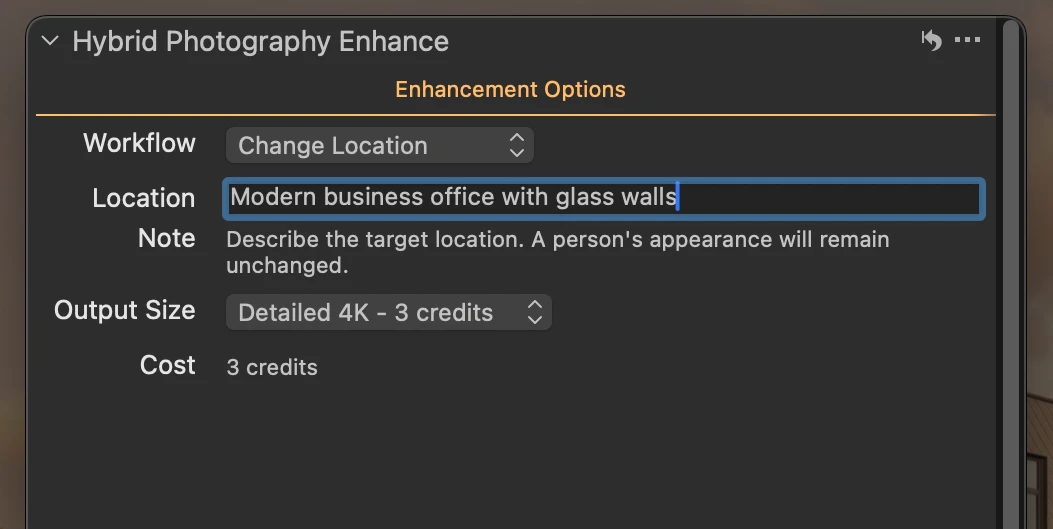
Choose an image in Capture One, right-click, and select Edit With → Hybrid Photography Enhance.
Choose Your Workflow
Select from Relight, Remove Object, Change Location, Adjust Camera Angle, or use a Custom Prompt.
Auto-import the AI Image
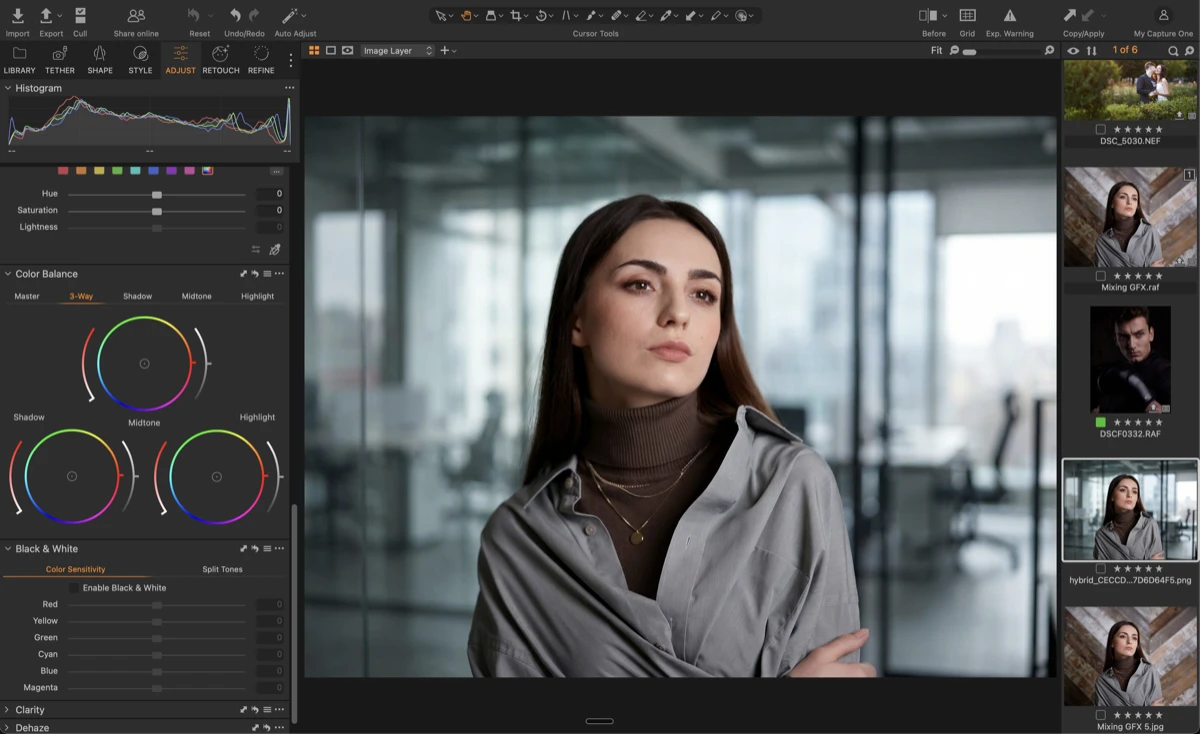
In 1-2 minutes, the AI-generated image will automatically appear in your Capture One catalog or session.
Pay Only for What You Create
Credits never expire. No subscriptions. No monthly fees.
Image Generation
Image Upscale
The Project Pack
Perfect for testing or a single job
- 35 standard 2K edits
- 11 detailed 4K images
- 5 massive 8K upscales
The Season Pack
For freelancers and seasonal workflows
- 100 standard 2K edits
- 33 detailed 4K images
- 16 massive 8K upscales
The Studio Pack
For agencies and high-volume studios
- 500 standard 2K edits
- 166 detailed 4K images
- 83 massive 8K upscales
Your Images Stay Yours
Never Used for Training
Your images are never used to train AI models. We process them, deliver your results, and that's it.
Auto-Deleted After Processing
Uploaded images are deleted within 24-48 hours. Generated results are available for 30 days, then automatically removed.
Join the Waitlist
We're inviting photographers in small batches to ensure service reliability. Join the list and we'll reach out when your spot opens.